{source}
<?php  require_once JPATH_SITE.'/TTcustom/TT_contentparser.php';\(parameters = array("topicname" => "05electricitynmagnetism_18DC", "modelname" => "ejss_model_VariableResistorFrem");echo generateSimHTML(\)parameters, "EJSS");
?>
{/source}
Overview:
This document summarizes a Variable Resistor JavaScript Simulation Applet HTML5, available through the Open Educational Resources / Open Source Physics @ Singapore website. The applet is designed to demonstrate how a variable resistor functions within a circuit. It provides interactive elements and multiple views to aid in understanding the relationship between resistance, current, and brightness.
{source}<iframe style="border-radius:12px" src="https://open.spotify.com/embed/episode/45zSJgLEK9IaTQ4n97dllI?utm_source=generator" width="100%" height="352" frameBorder="0" allowfullscreen="" allow="autoplay; clipboard-write; encrypted-media; fullscreen; picture-in-picture" loading="lazy"></iframe>{/source}
Key Themes and Ideas:
- Interactive Simulation: The core feature is an interactive JavaScript simulation that allows users to manipulate a variable resistor (rheostat) and observe the effect on circuit behavior.
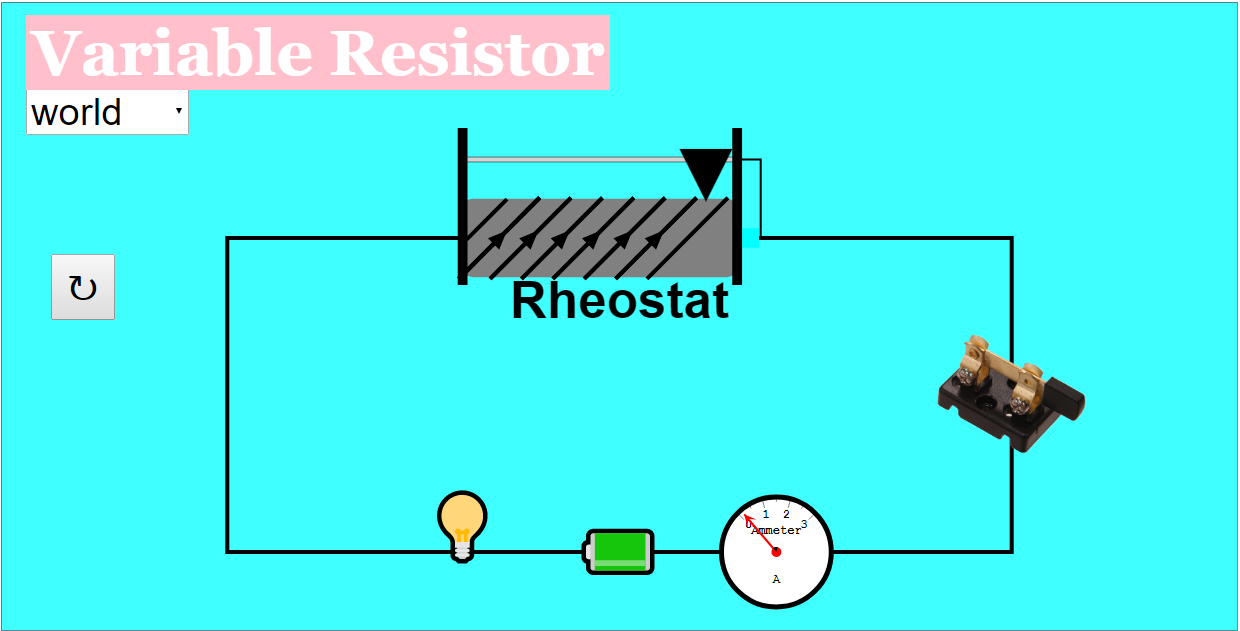
- Visual Representations: The simulation offers three distinct views: "World View," "Diagram View," and "Special View," providing different perspectives on the circuit and its components. This caters to different learning styles and levels of understanding. "Toggling between the combo box will select the varying views as shown above."
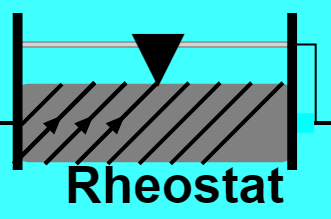
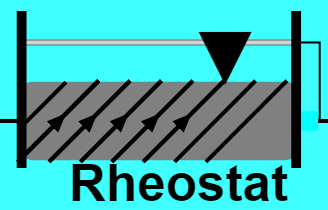
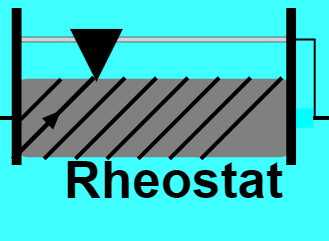
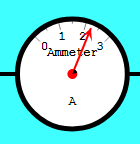
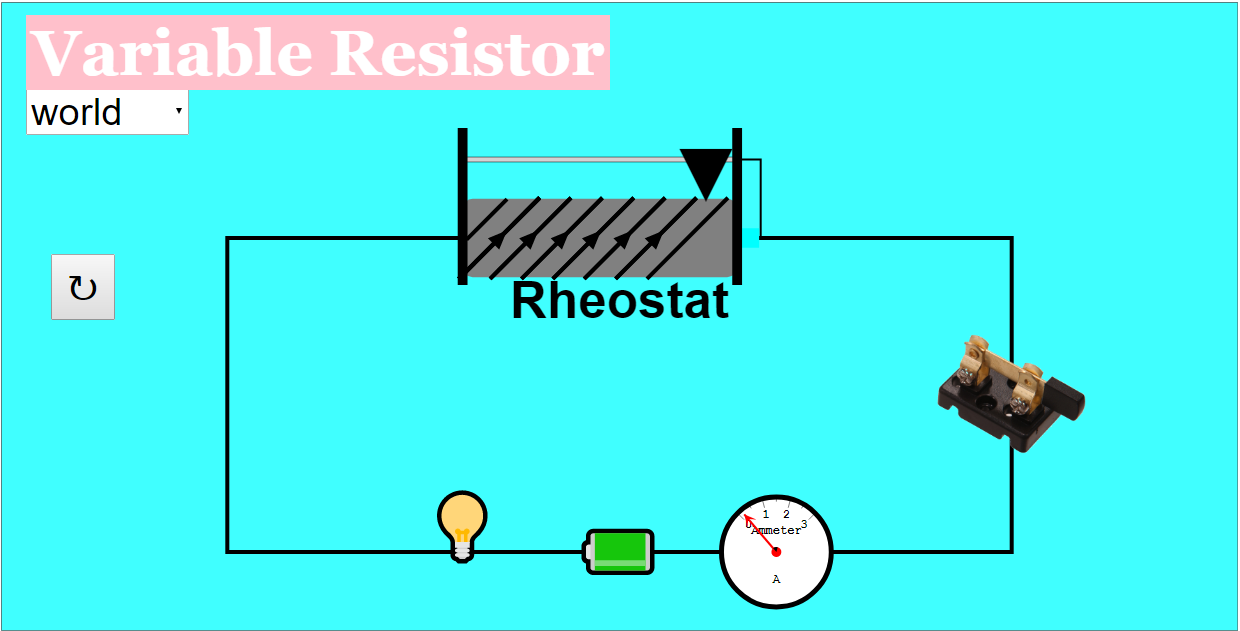
- Hands-on Learning: Users can directly interact with the simulation by dragging the rheostat to change resistance and using a dimmer knob to adjust bulb brightness. This active engagement is intended to enhance learning. "Step 1: Drag the rheostat triangle Dragging it to the right will increase the number of triangles. Dragging to the left will do the opposite effect. Step 2: Check the ammeter for the reading. The ammeter needle will move depending on the position of the triangle."
- Educational Resource: The applet is positioned as an open educational resource (OER), freely available for use in educational settings.
- Ease of Use: The simulation features a "Reset" button, allowing users to easily restart and explore different scenarios.
- Embeddable: The simulation can be embedded into other webpages using an iframe.
Most Important Ideas and Facts:
- Purpose: The primary purpose is to visually and interactively demonstrate the functionality of a variable resistor in a DC circuit.
- Functionality: The simulation includes a draggable rheostat to vary resistance and a dimmer to adjust bulb brightness, allowing users to directly observe the impact of resistance changes on current and brightness.
- Accessibility: Being a JavaScript/HTML5 applet, it should be widely accessible across different devices and platforms without requiring specific software installations.
- Author: The simulation was created by Fremont Teng.
- Views: The simulation contains three distinct views "World View," "Diagram View," and "Special View" allowing the user to learn about the material in multiple ways.
Quotes:
- "This Simulation is to demonstrate how a variable resistor works in a circuit." (Describing the primary objective)
- "Dragable rheostat to vary resistance" (Highlighting the interactive aspect)
- "Dragable dimmer to vary brightness" (Highlighting the interactive aspect)
- "There are three types of views in this simulation: (World View) (Diagram View) (Special View)"
Potential Uses:
- Classroom demonstrations of basic circuit principles.
- Interactive homework assignments.
- Self-paced learning for students exploring electrical circuits.
- Integration into online learning modules related to electricity and magnetism.
Further Research:
- Explore other resources on the Open Educational Resources / Open Source Physics @ Singapore website related to electricity and magnetism.
- Investigate the use of similar simulations in physics education research.
Variable Resistor Simulation Study Guide
Quiz
Answer the following questions in 2-3 sentences each.
- What is the primary function of the Variable Resistor JavaScript Simulation Applet?
- Briefly describe the purpose of the "World View" in the simulation.
- How can a user change the resistance in the simulation?
- Explain the role of the ammeter in the simulation.
- What does the dimmer button control in the simulation?
- What is the function of the Reset button?
- What is a rheostat?
- Name at least one other simulation applet available from the Open Educational Resources / Open Source Physics @ Singapore site that focuses on electricity or magnetism.
- What are the three different views available in this particular simulation?
- According to the Creative Commons Attribution-Share Alike 4.0 Singapore License, what are the stipulations for using this simulation?
Quiz Answer Key
- The Variable Resistor JavaScript Simulation Applet demonstrates how a variable resistor works in a circuit, allowing users to manipulate resistance and observe the effects on the circuit.
- The "World View" likely provides a visual representation of the circuit, showing components like the resistor, ammeter, and light bulb in a realistic context.
- Users can change the resistance by dragging the rheostat triangle. Dragging it to the right increases the number of triangles, increasing resistance.
- The ammeter measures the current flowing through the circuit. The needle's movement indicates the amount of current, which changes depending on the resistance.
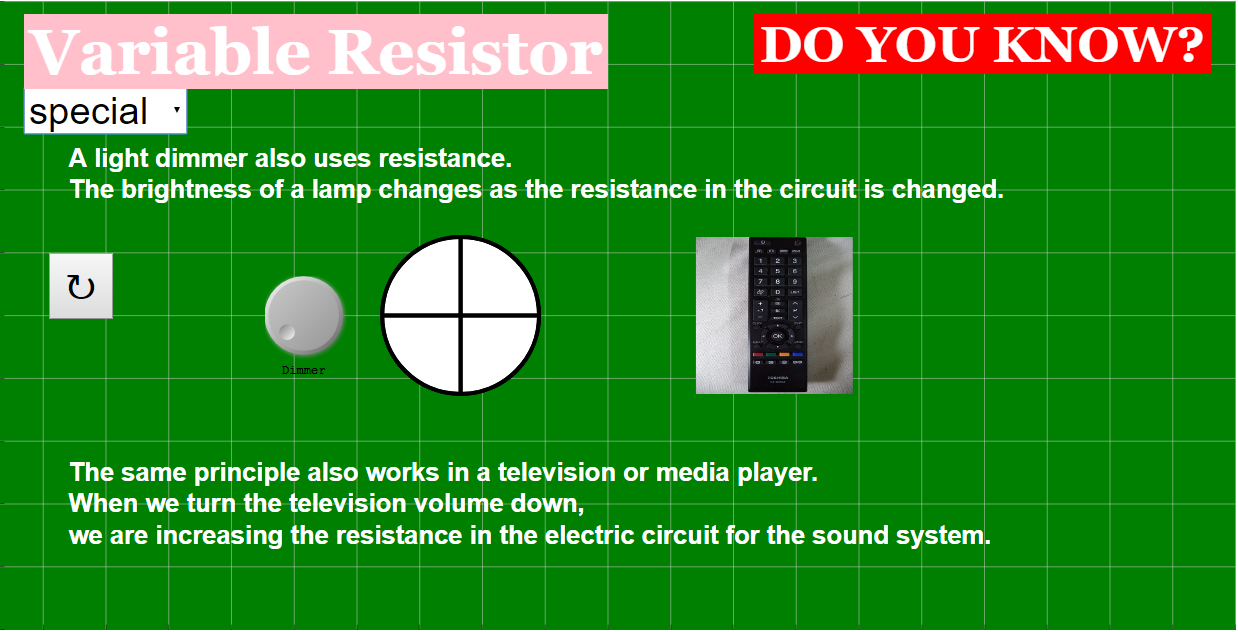
- The dimmer button controls the brightness of the bulb. By turning the knob, users can adjust the voltage (or current) supplied to the bulb, thus affecting its brightness.
- The reset button returns the simulation to its initial state, resetting the resistance, brightness, and any other parameters that have been changed.
- A rheostat is a type of variable resistor used to control current in a circuit by manually adjusting the amount of resistance. In this simulation, the rheostat is represented by the triangle that can be dragged left and right.
- Several other simulation applets focusing on electricity or magnetism are listed, including "Understanding Series Circuits JavaScript Simulation Applet HTML5" and "Current In Series and Parallel Circuits JavaScript Simulation Applet HTML5."
- The three views in this simulation are World View, Diagram View, and Special View, allowing users to visualize the electrical circuit in different representations.
- The Creative Commons Attribution-Share Alike 4.0 Singapore License allows for sharing and adaptation of the simulation as long as proper attribution is given and any derivative works are licensed under the same terms. Commercial use of the EasyJavaScriptSimulations Library requires a separate license.
Essay Questions
- Discuss the benefits of using simulations, like the Variable Resistor JavaScript Simulation Applet, in physics education. How do they enhance student learning compared to traditional teaching methods?
- Describe how the different views (World, Diagram, Special) in the simulation could be used to cater to diverse learning styles. Provide specific examples.
- Explain how this simulation demonstrates the relationship between resistance, current, and brightness in a simple DC circuit.
- Considering the other resources listed on the page, how could this simulation be incorporated into a broader lesson plan on electricity and circuits?
- Assess the usability and accessibility of the Variable Resistor JavaScript Simulation Applet. What are its strengths and weaknesses in terms of user experience?
Glossary of Key Terms
- Variable Resistor: A resistor whose resistance can be adjusted. Also known as a potentiometer or rheostat, it is used to control current flow in a circuit.
- Rheostat: A two-terminal variable resistor used to control current.
- Ammeter: A device used to measure the electric current in a circuit, typically measured in amperes (A).
- DC Circuit: A circuit with a direct current, meaning the current flows in one direction only.
- Simulation Applet: A small, self-contained application, often written in JavaScript, that runs within a web browser and simulates a real-world phenomenon.
- Resistance: A measure of how much a material opposes the flow of electric current, measured in ohms (Ω).
- Current: The rate of flow of electric charge through a circuit, measured in amperes (A).
- Voltage: The electric potential difference between two points in a circuit, measured in volts (V). It drives the current through the circuit.
- Open Educational Resources (OER): Teaching, learning, and research materials that are freely available for anyone to use, adapt, and share.
- JavaScript: A programming language commonly used to create interactive effects within web browsers.
Sample Learning Goals
[text]
For Teachers
Variable Resistor JavaScript Simulation Applet HTML5
Instructions on how to use Simulation Applet
Variable Rheostat
Toggling Between Views

Dimmer Button
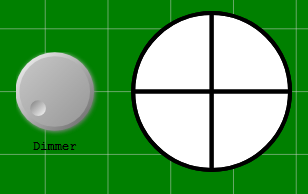
Step 1: Turn the knob on the left to adjust the brightness of the bulb
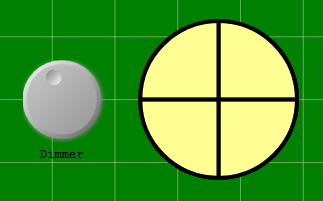
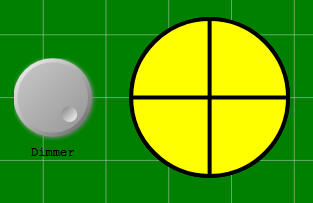
Reset Button

Research
[text]
Video
[text]
Version:
Other Resources
[text]
Frequently Asked Questions about the Variable Resistor JavaScript Simulation Applet HTML5
- What is the Variable Resistor JavaScript Simulation Applet?
- It's an interactive simulation designed to demonstrate how a variable resistor works within a circuit. Users can manipulate the resistance and observe the effects on the circuit. The simulation provides different viewing options, including a world view, a diagram view, and a special view.
- How do I use the variable rheostat in the simulation?
- You can adjust the resistance by dragging the rheostat triangle. Dragging it to the right increases the resistance (shown by an increase in the number of triangles), and dragging it to the left decreases the resistance. The ammeter will show the current reading, which changes based on the rheostat's position.
- What are the different views available in the simulation?
- The simulation offers three distinct views: "World View," "Diagram View," and "Special View." These views provide different perspectives on the circuit and its components. You can switch between these views using the combo box within the simulation.
- How can I adjust the brightness of the bulb in the simulation?
- The dimmer button is used to adjust the brightness of the bulb. Turning the knob on the left allows you to control the light intensity.
- What does the reset button do?
- The reset button restores the simulation to its initial state, resetting all parameters and settings to their default values.
- Can I embed this simulation in my webpage?
- Yes, the simulation can be embedded in a webpage using the provided iframe code. This allows you to directly integrate the interactive simulation into your own online resources.
- What are some related simulation resources available on the website?
The website offers a wide array of interactive simulations covering various physics and math topics. These include simulations on series circuits, wave phenomena (like ripple tanks), collision carts, projectile motion, electric and magnetic fields, optics, and more. There are also math games and quizzes available.
- Is this simulation intended for students or teachers?
- The resource is designed for both students and teachers. Students can use it to explore the principles of variable resistors and circuit behavior, while teachers can use it as a visual aid for instruction and experimentation in the classroom. Sample learning goals are included for guidance.